
 par
par Le guide complet du casino en ligne avec bonus sans condition de mise 2026 vous aide à trouver des offres vraiment avantageuses.
Le guide complet du casino en ligne avec dépôt de 1, 5, 10 et 20 euros 2026 vous permet de jouer avec un budget adapté à vos envies.
Le guide complet du casino en ligne bonus sans dépôt immédiat 2026 vous montre comment profiter de ces offres sans engagement.
Le top 5 des meilleurs taux de redistribution du casino en ligne le plus payant 2026 vous aide à maximiser vos gains.
Le top 5 des meilleurs taux de redistribution du casino en ligne le plus rentable 2026 vous oriente vers les plateformes les plus généreuses.
Le guide complet des dépôts mobiles pour casino en ligne payer par SMS 2026 vous explique comment effectuer des transactions simples et rapides.
Le top 5 des meilleures plateformes de casino en ligne qui accepte Apple Pay 2026 vous aide à choisir la meilleure option pour vos paiements mobiles.
Le guide complet du casino en ligne qui accepte carte bancaire 2026 vous offre toutes les informations nécessaires pour des transactions sans souci.
Le guide complet du casino en ligne qui accepte Cashlib 2026 vous aide à choisir des plateformes acceptant cette méthode de paiement prépayée.
Le guide complet du casino en ligne qui accepte Mastercard 2026 vous propose les meilleurs établissements pour vos dépôts.
Le top 5 des meilleures plateformes de casino en ligne qui accepte MuchBetter 2026 vous présente cette application de paiement innovante.
Le guide complet du casino en ligne qui accepte Neosurf 2026 vous explique comment utiliser ce voucher prépayé pour vos dépôts.
Le guide complet du casino en ligne qui accepte Neteller 2026 vous dévoile les avantages de cette e-wallet populaire.
Le guide complet du casino en ligne qui accepte paiement instantané 2026 vous permet de profiter de transactions ultra-rapides.
Le guide complet du casino en ligne qui accepte PayPal 2026 vous offre toutes les clés pour utiliser ce moyen de paiement fiable.
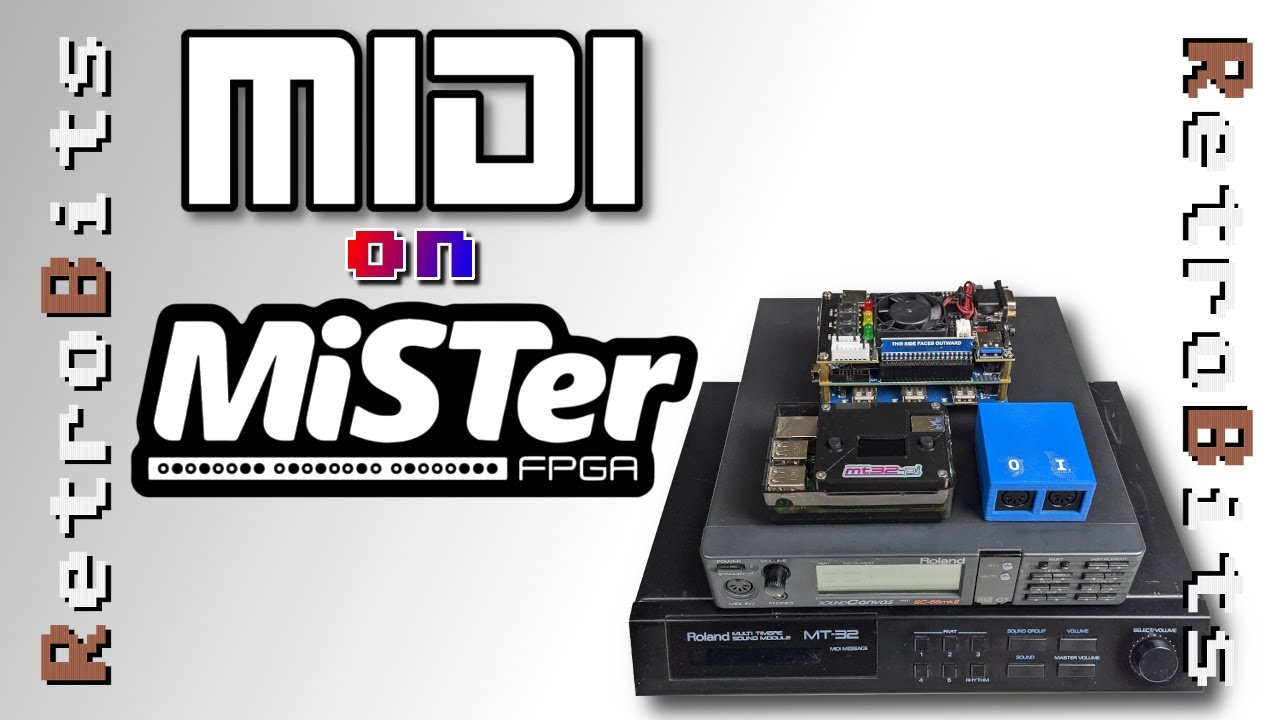
Ep 35 : Five methods to use MIDI on the MiSTer – from zero cost options that require no additional add-ons to using authentic gear, featuring side-by-side comparisons of the mt32-pi with real Roland MT-32 and SC-55 hardware!
00:00 Introduction
00:32 MIDI and the Roland MT-32/SC-55
02:35 Munt, FluidSynth, and MidiLink
03:55 Option 1: The MiSTer’s ARM CPU
07:16 Option 2: Raspberry Pi OS
11:03 Option 3: Your Desktop PC
13:00 Option 4: The mt32-pi
24:02 Option 5: Using Real Hardware
26:13 Side-by-side Comparison
29:44 Conclusion
Support Retro Bits on Patreon – https://www.patreon.com/retrobits
@retrobitstv on Twitter – https://twitter.com/retrobitstv
Products used and featured – https://www.amazon.com/shop/retrobits
Terasic DE-10 Nano Kit – https://amzn.to/3e7G2QI
MiSTer I/O Board (Standard) – https://ebay.us/mSpfKs
MiSTer USB Hub – https://ebay.us/UqUaLT
MiSTer SD Ram (128 MB) – https://ebay.us/iOJXXu
MiSTer I/O Board (Digital) – https://ebay.us/kNjg4S
*Retro Bits earns money from Amazon and eBay Partner Links
mt32-pi – https://github.com/dwhinham/mt32-pi
Pi hat (US) and Mister MIDI 1.2 Interface – https://www.legacypixels.com/mister/
Pi hat (UK) – https://misterfpga.co.uk/product/mister-fpga-mt32-pi-hat-v2-1/
PI hat (UK – PCB only) – https://misterfpga.co.uk/product/mister-mt32-pi-pcb/
MiSTer MidiLink – https://github.com/MiSTer-devel/MidiLink_MiSTer
MIDI Setup Guides:
https://www.jamesfmackenzie.com/2021/03/28/mister-ao486-core-part-8-midilink-midi-roland-mt-32-sound-canvas/
https://misterfpga.org/viewtopic.php?t=375
source


